- TypeScript 92.1%
- HTML 3.7%
- Dockerfile 3.3%
- CSS 0.9%
| Filename | Latest commit message | Latest commit date |
|---|---|---|
 Stefan Forstenlechner
31e3162c48
Stefan Forstenlechner
31e3162c48
All checks were successful
Build and publish docker image snapshot / build-and-publish (push) Successful in 1m27s
In column layout the folders are ordered by column. Row layout is the correct one to choose, but it has weird behaviour regarding row height. Changed `targetRowHeight` so that it hopefully behaves a little nicer. |
||
| .gitea/workflows | ||
| doc/images | ||
| picture-gallery-client | ||
| picture-gallery-server | ||
| public | ||
| .dockerignore | ||
| .gitignore | ||
| Dockerfile | ||
| LICENSE | ||
| package.json | ||
| README.md | ||
Simple Picture Gallery
A simple picture gallery. No database required. Photos can simply be stored in your file system. Add and remove photos. Simple picture gallery will automatically show them and create thumbnails.
All you need is your photos and docker.
Simple Picture Gallery is a modern looking web app due to Material UI, React Photo Album and Yet Another React Lightbox.
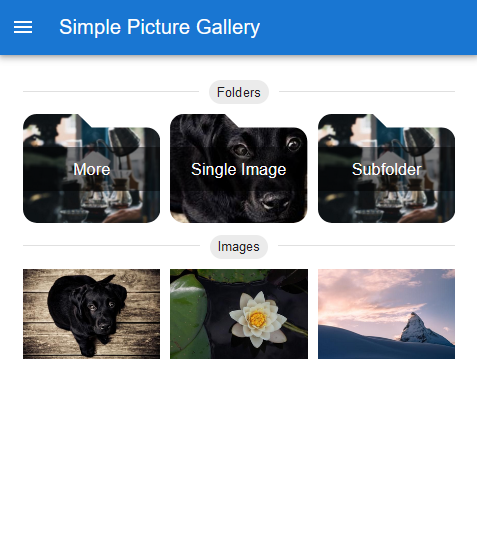
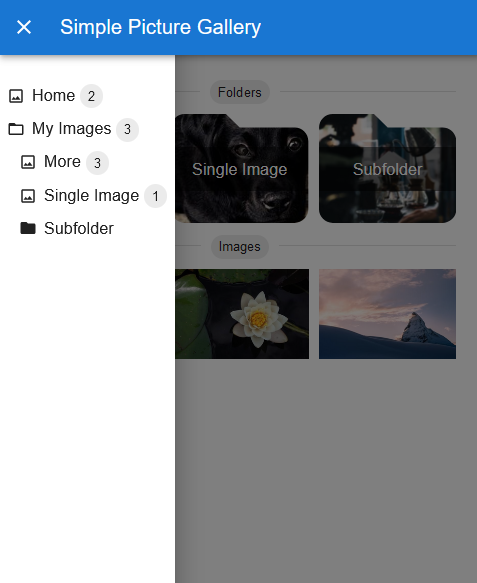
Screenshots
Desktop
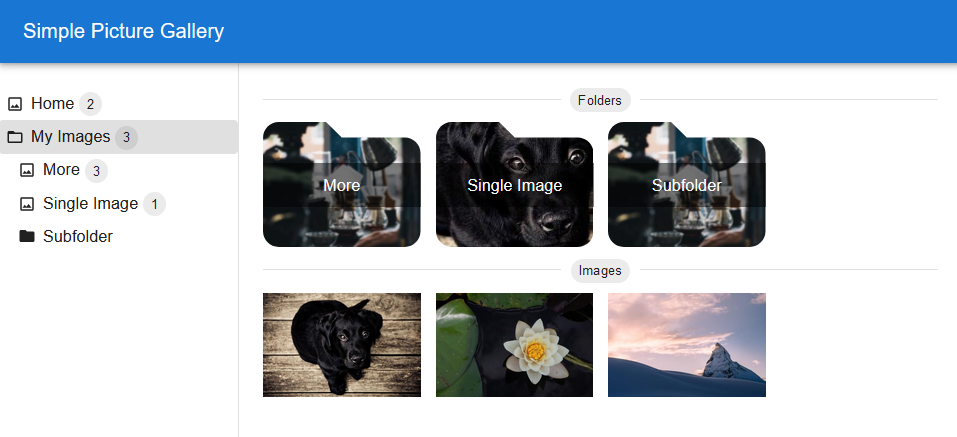
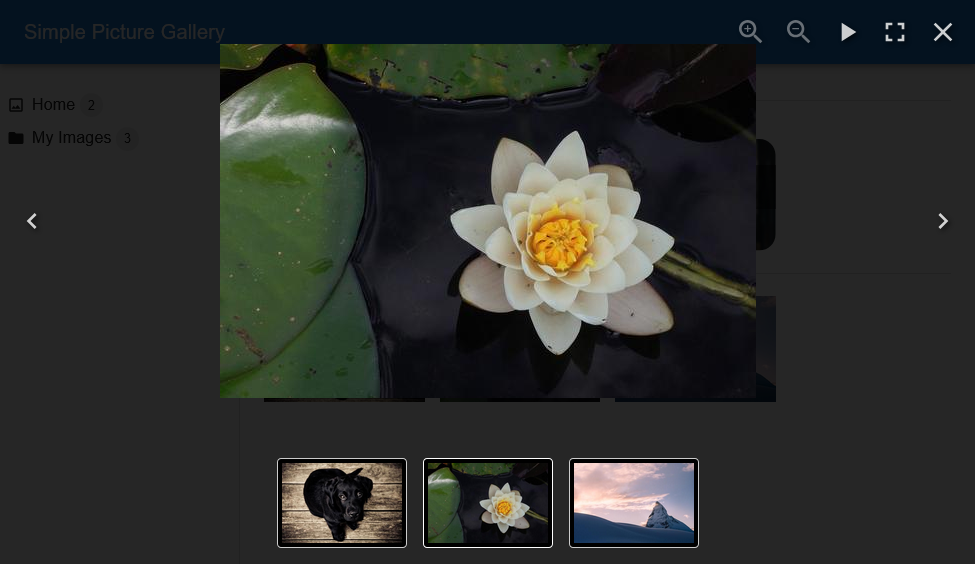
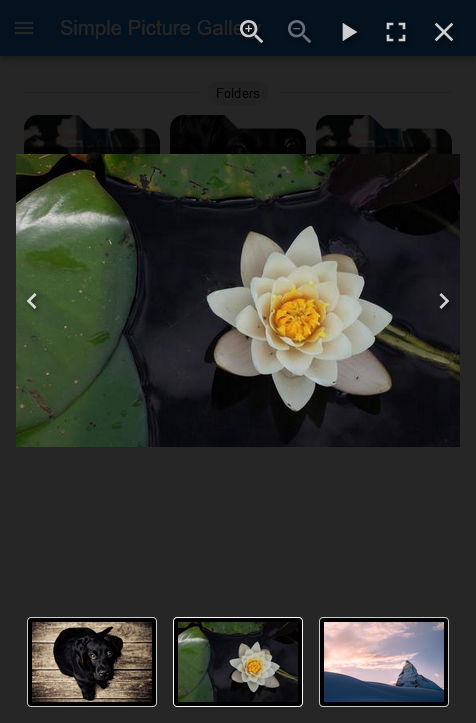
Mobile
Getting Started
Information
Folders should only contain images and other folders. Folders should not contain any other files.
Docker
An easy way to run simple picture gallery is with docker.
docker pull docker pull ghcr.io/t-h-e/simple-picture-gallery:latest
docker run -d -p 3005:3001 -v /mnt/path/to/pictures:/usr/src/app/public --name my-picture-gallery ghcr.io/t-h-e/simple-picture-gallery:latest
Customization
Create an environment file .env containing any of the following properties to customize your gallery. All properties are optional.
VITE_TITLE=My Gallery
VITE_APPBAR_COLOR=#F8AB2D
VITE_FAVICON_HREF=<URL to your favicon or remove this property>
And run docker with --env-file .env
docker run -d -p 3005:3001 -v /mnt/path/to/pictures:/usr/src/app/public --env-file .env --name my-picture-gallery ghcr.io/t-h-e/simple-picture-gallery:latest
Docker Compose
Even easier to run it using docker compose.
services:
  gallery:
    image: ghcr.io/t-h-e/simple-picture-gallery:latest
    container_name: my-picture-gallery
    environment:
      # customize your gallery
      - VITE_TITLE=My Gallery
      - VITE_APPBAR_COLOR=#F8AB2D
    restart: always
    volumes:
      - /mnt/path/to/pictures/:/usr/src/app/public
    ports:
      - "3005:3001"
Hint
On first startup, the application is going to create thumbnails of all images. This can lead to heavy CPU usage. Thumbnails for images that are added after starting the application are created on the fly.
Thumbnails are stored in a folder .thumbnail in the mounted folder. In case you want to remove simple picture gallery at some point. Simply remove the container and delete the .thumbnail folder.
Configure a cache with nginx
It is recommended to use a cache for the API calls so that not every request has to read from your file system again.
When using a cache, new images may not be available straight away as previous requests are then obviously cached. Set the cache timeout accordingly.
In case you are using nginx as reverse proxy already, here is an example config with a cache.
http {
  proxy_cache_path /var/cache/nginx levels=1:2 keys_zone=picture_gallery_cache:10m max_size=100m inactive=60m use_temp_path=off;

  server {
    ...

    location / {
       proxy_pass http://127.0.0.1:3005;
    }

    location ~ /(images|directories|folderspreview) {
       proxy_cache picture_gallery_cache;
       # cache is valid for 60 minutes. Increase or decrease according to your needs.
       proxy_cache_valid 200 302 60m;
       proxy_cache_min_uses 1;
       proxy_pass http://127.0.0.1:3005;
    }

    server_name gallery.domain.com
    ...
  }
}
NOTE:
proxy_cache_pathandproxy_cacheneed to use the same zone.
See nginx documentation for more details and parameters.
Photos from Unsplash